New York Taxi Simulator Controls Guide
Steer, stop, and scan Midtown cleanly — input setup for New York Taxi Simulator on Roblox.
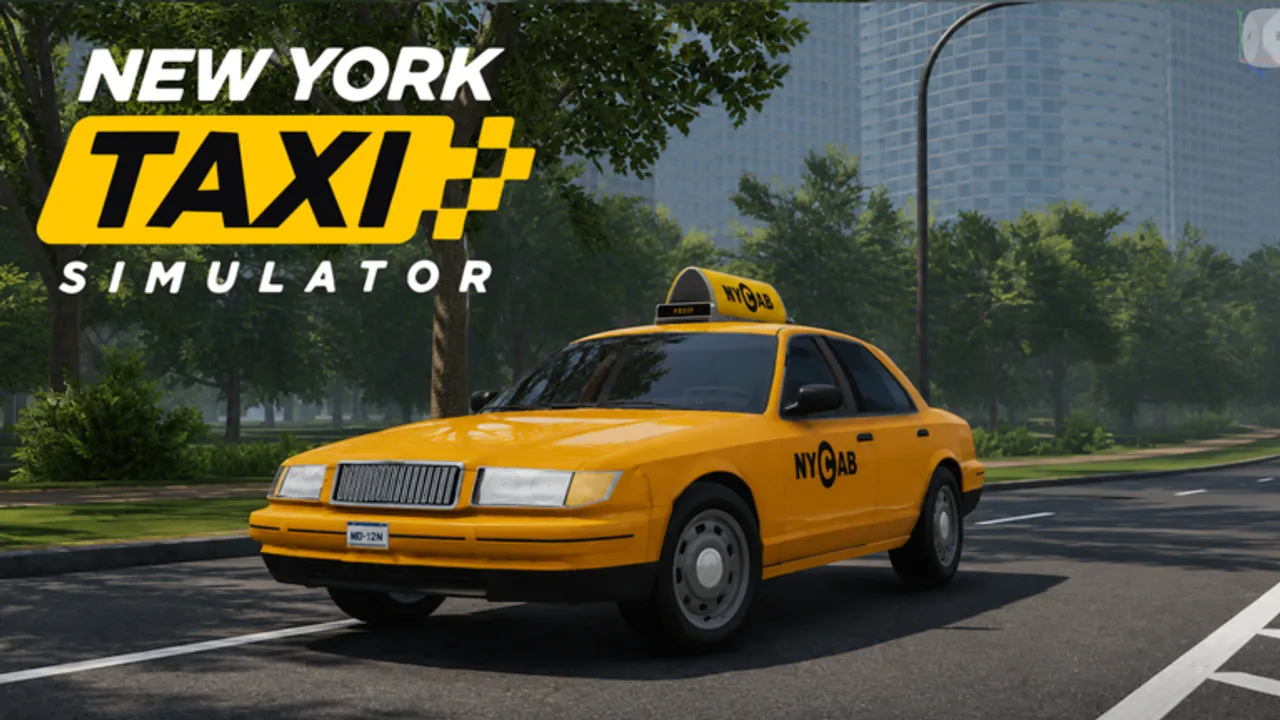
Why controls matter in Midtown
New York Taxi Simulator packs AI traffic, tight avenue lanes, and interactive passenger curb stops into a busy 1:1 Midtown map. Sloppy steering costs fares faster than a slightly slower route. Dial in your inputs before you grind — then jump into How to Drive & Earn.
Bindings can shift after patches. If a label below disagrees with your live HUD, trust the in-game settings menu and note changes on the Updates Hub.
Core driving (desktop defaults)
Most Roblox vehicle experiences use standard drive mappings. Expect a layout close to this unless you rebound keys:
| Action | Typical input |
|---|---|
| Accelerate | W / Up arrow |
| Brake / reverse | S / Down arrow |
| Steer | A / D or Left / Right |
| Handbrake (if available) | Space or shift-style bind |
| Horn | H or on-screen button |
| Camera look | Mouse / right stick |
| Zoom / camera cycle | Scroll or camera key |
| Exit vehicle | E / F / prompt key |
Always open Roblox Settings → Keyboard & Mouse (or the experience’s own controls panel) to confirm. Touch players should enable shift-lock alternatives carefully so thumbs do not cover the fare UI.
Camera habits that save fares
- Keep a mid-distance chase cam for avenue driving so you see cross traffic early.
- Nudge closer at curbs when boarding interactive passengers — depth perception matters when AI cars squeeze the lane.
- Glance wide at intersections before committing; Midtown greens flip fast when servers are full (up to 18 players).
- Avoid extreme hood cams until you know the block; they hide pedestrians and hail indicators.
High-fidelity avatars look sharp in close cam, but fare markers beat vanity angles.
Mobile / touch tips
- Use a responsive thumb cluster; laggy virtual joysticks cause curb bumps.
- Lower graphics slightly if Midtown hitching makes braking late.
- Anchor the device; two-hand steering is steadier during drop-offs.
- Mute or manage proximity voice volume so calls do not drown out traffic audio cues.
If touch steering feels floaty, take shorter sessions until muscle memory settles — then review Money Tips so practice time still earns.
HUD literacy
Learn what your screen is telling you:
- Fare / passenger state — waiting, onboard, or payable on drop-off
- Destination hint — follow unless a crash forces a detour (Map Tips)
- Speed vs. traffic flow — matching pack speed often beats weaving
- Prompt keys — enter, exit, interact with passenger or garage UI
Misreading a prompt is a common reason beginners “cannot pick up” passengers. Stop fully, face the curb, and wait for the interaction cue covered in Getting Started.
Voice chat controls
Proximity voice is a featured system. Use Roblox’s mute, push-to-talk, and report tools when needed:
- Mute individuals who blast music into shared curb space
- Keep callouts short (“stopping left,” “wreck on 2nd”)
- Remember voice is local — yelling does not reach the whole Midtown map
Good voice manners support the reputation habits in the Players Hub.
Accessibility & comfort
- Lower camera shake / motion effects if Roblox or device settings allow.
- Take breaks; long Midtown sessions strain wrists on keyboard steer.
- Colorblind drivers should rely on map markers and passenger silhouettes, not only curb paint colors.
Practice drill (10 minutes)
- Spawn and sit still — identify every HUD element.
- Drive one empty block focusing only on smooth brake timing.
- Parallel to a curb without hitting fire hydrant props or AI cars.
- Complete one real passenger loop using How to Drive & Earn.
- Adjust camera distance once based on what felt blind.
Related pages
- Getting Started — first-hour plan
- How to Drive & Earn — fare loop
- Midtown Map Tips — route awareness
- Tier List — taxis that match your control skill
- Scripts — why macros and exploits are a bad “control fix”
Clean inputs turn Midtown from chaos into a readable job. Master the wheel, then grind smarter.
Frequently Asked Questions
Quick answers for Midtown taxi drivers.
What are the default driving keys?
Roblox vehicle experiences usually use WASD or arrow keys to drive and steer, with an on-screen E/F-style prompt to enter or exit. New York Taxi Simulator has not published an official bind sheet yet, so confirm every key in Roblox or in-experience settings after each patch.
Does the game support mobile controls?
Yes — Roblox touch controls work, but Midtown traffic is easier with a stable grip and reduced graphics if you notice input lag.
How do I use proximity voice chat?
Use Roblox voice settings to mute or enable push-to-talk. Voice is proximity-based, so only nearby drivers and curb areas hear you.
I cannot pick up a passenger — is it controls?
Usually you need a full stop near the passenger and the on-screen interact prompt. Review Getting Started and How to Drive & Earn for the curb workflow.